Master Your Digital Workspace: A 5-Step Framework for 2026 Efficiency
The 5-Step Framework for Organizing Your Digital Workspace for Optimal 2026 Efficiency
In today’s fast-paced digital world, an organized digital workspace isn’t just a luxury; it’s a necessity for achieving optimal productivity and reducing stress. As we hurtle towards 2026, the demands on our digital lives only intensify. Cluttered desktops, overflowing inboxes, and fragmented files can quickly erode focus and hinder progress. This comprehensive guide will introduce you to a powerful 5-step framework designed to transform your digital environment into a beacon of efficiency. By implementing these strategies, you’ll not only reclaim valuable time but also enhance your overall digital workspace efficiency, setting yourself up for success in the years to come.
Why Digital Workspace Efficiency Matters More Than Ever
The concept of a ‘workspace’ has evolved dramatically over the past decade. For many, it’s no longer confined to a physical desk but extends into the vast, often chaotic, realm of digital files, applications, and communications. The sheer volume of digital information we encounter daily can be overwhelming. Without a structured approach, this digital influx can lead to:
- Reduced Productivity: Wasting precious minutes searching for files or switching between unorganized applications.
- Increased Stress: The mental burden of a cluttered digital environment mirroring a cluttered mind.
- Missed Opportunities: Critical information getting lost in the digital noise.
- Decreased Focus: Constant distractions from notifications and disorganized interfaces.
Achieving digital workspace efficiency is about more than just tidiness; it’s about creating a streamlined ecosystem where every digital element serves a purpose and contributes to your goals. For 2026 and beyond, mastering this aspect of your professional life will be a significant differentiator in personal and professional success. Let’s dive into the framework that will help you achieve this.
Step 1: The Great Digital Declutter – Purge and Prioritize
Just as you wouldn’t keep expired food in your pantry, you shouldn’t hold onto outdated or irrelevant digital items. The first step to enhancing your digital workspace efficiency is a thorough declutter. This process is often the most daunting but yields the most immediate and satisfying results.
Identify and Eliminate Redundancy
- Desktop & Downloads Folder: These are often the first culprits. Dedicate time to going through every item. Delete what’s no longer needed, move essential files to their proper homes, and consolidate duplicates. Aim for a minimalist desktop that only houses frequently used applications or active projects.
- Email Inbox: An overflowing inbox is a major source of digital stress. Implement the ‘four D’s’ for every email: Delete, Do, Delegate, or Defer. Unsubscribe from unnecessary newsletters. Create rules to automatically filter incoming mail into relevant folders.
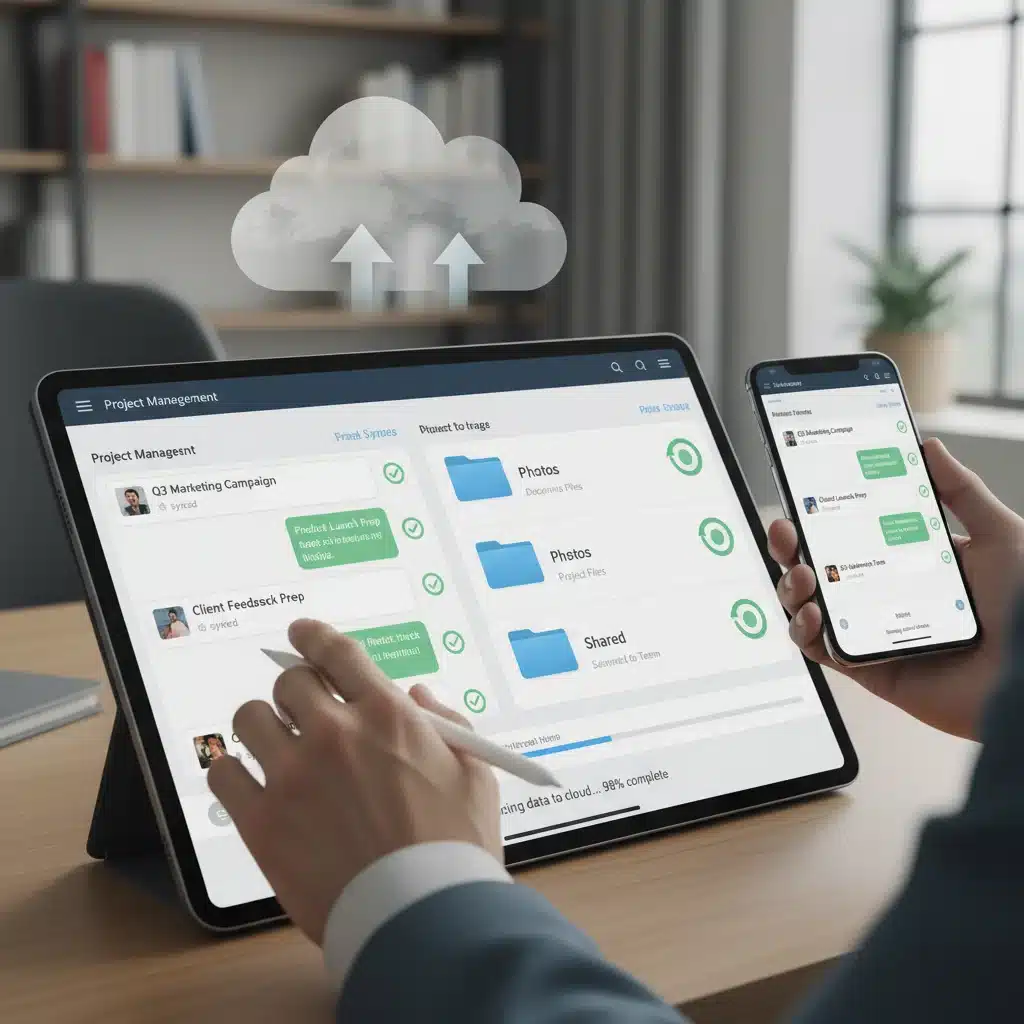
- Cloud Storage & Local Drives: Services like Google Drive, Dropbox, and OneDrive can become digital dumping grounds. Schedule regular reviews to delete old versions of files, unnecessary backups, and forgotten projects.
- Applications & Software: Uninstall programs you no longer use. Bloatware slows down your system and adds to visual clutter. For mobile devices, audit your apps and delete those that haven’t been opened in months.
Categorize and Consolidate
Once you’ve purged the unnecessary, begin to categorize what remains. Think about logical groupings for your files and applications. This isn’t just about creating folders; it’s about establishing a system that makes intuitive sense to you. For example, rather than a single ‘Documents’ folder, consider ‘Projects,’ ‘Personal,’ ‘Reference Materials,’ etc.
Step 2: Systemize Your Digital Filing – Structure for Success
A decluttered space is only temporary if you don’t have a robust system in place to maintain it. This step focuses on creating consistent structures for your digital assets, significantly boosting your digital workspace efficiency.
Develop a Consistent Naming Convention
Imagine trying to find a book in a library where every book has a random title. That’s what inconsistent file naming does to your digital life. Adopt a consistent naming convention for all your files and folders. A common practice is: YYYY-MM-DD_ProjectName_DocumentTitle_Version. This ensures chronological order and easy identification.
Implement a Logical Folder Hierarchy
Your folder structure should be intuitive and scalable. Start with broad categories and then create subfolders as needed. Avoid overly deep hierarchies (more than 3-4 levels) as they can become cumbersome. Examples include:
- Work: Clients > Client Name > Project > Deliverables / Resources
- Personal: Finances > Year > Bank Statements / Taxes
- Creative: Photography > Year > Event / Subject
The key is consistency. Everyone on a shared drive should adhere to the same structure to maximize collaborative digital workspace efficiency.
Leverage Tags and Metadata
Many operating systems and applications allow you to add tags or metadata to files. This can be incredibly powerful for cross-referencing and quick searching, especially when a file might fit into multiple categories. For instance, a meeting minute file could be tagged with ‘Project X,’ ‘Client Y,’ and ‘Meeting Notes.’
Step 3: Optimize Your Tools – Streamline Your Software Ecosystem
The tools you use can either enhance or hinder your digital workspace efficiency. This step is about auditing your software, integrating applications, and automating repetitive tasks.
Consolidate and Integrate Applications
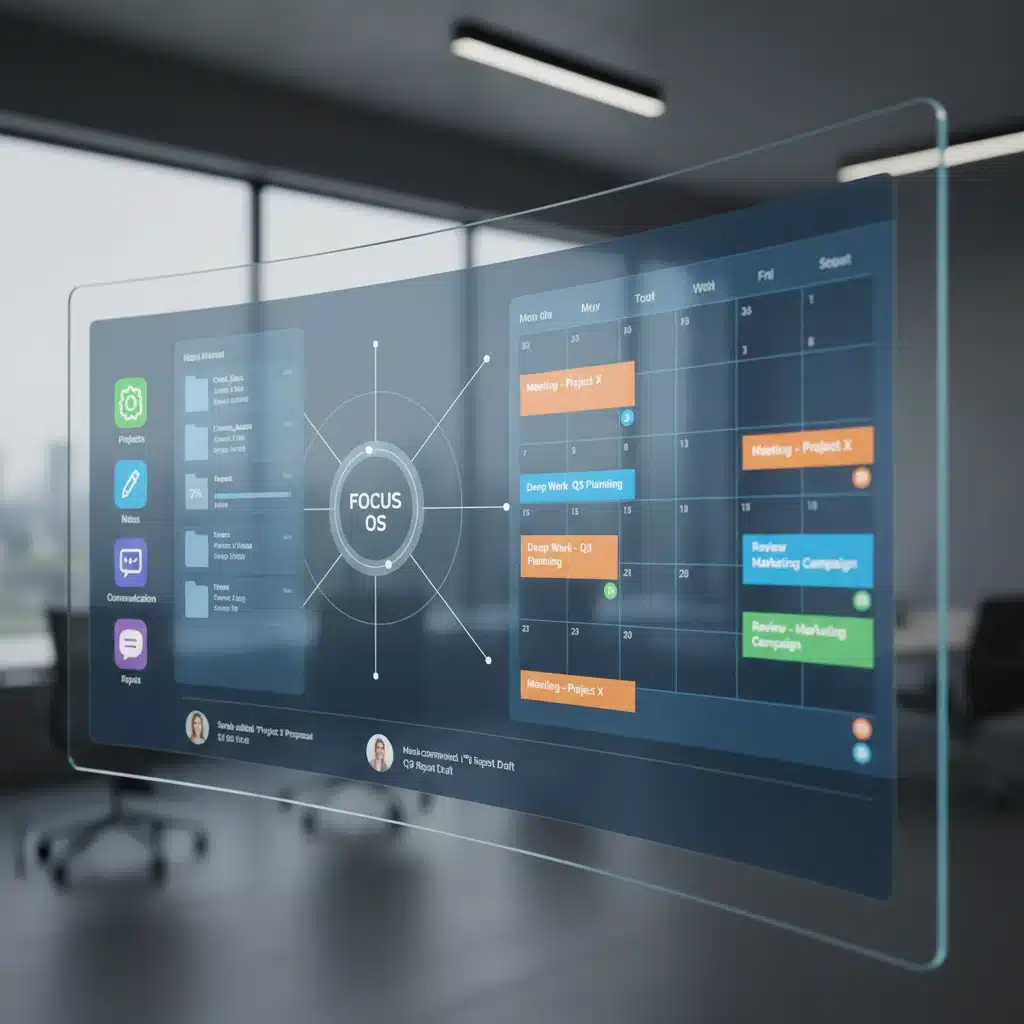
Are you using multiple apps that perform similar functions? Can some of your essential tools be integrated? For example, using a project management tool that integrates with your communication platform and calendar can save immense time and reduce context switching. Explore suites like Microsoft 365 or Google Workspace that offer integrated solutions for email, documents, and collaboration.
Automate Repetitive Tasks
Automation is a cornerstone of modern digital workspace efficiency. Identify tasks you perform regularly that are mundane and repetitive. This could include:
- Email Filtering: As mentioned, setting up rules to sort emails automatically.
- File Management: Using tools that automatically move downloaded files to specific folders based on type or name.
- Scheduled Backups: Ensuring your data is regularly backed up without manual intervention.
- Report Generation: Scripting or using tools to automatically generate recurring reports from data sources.
Tools like Zapier, IFTTT, and even built-in operating system features can help you automate these processes, freeing up your mental energy for more complex tasks.
Customize Your Environment
Personalize your digital environment to suit your workflow. This includes:
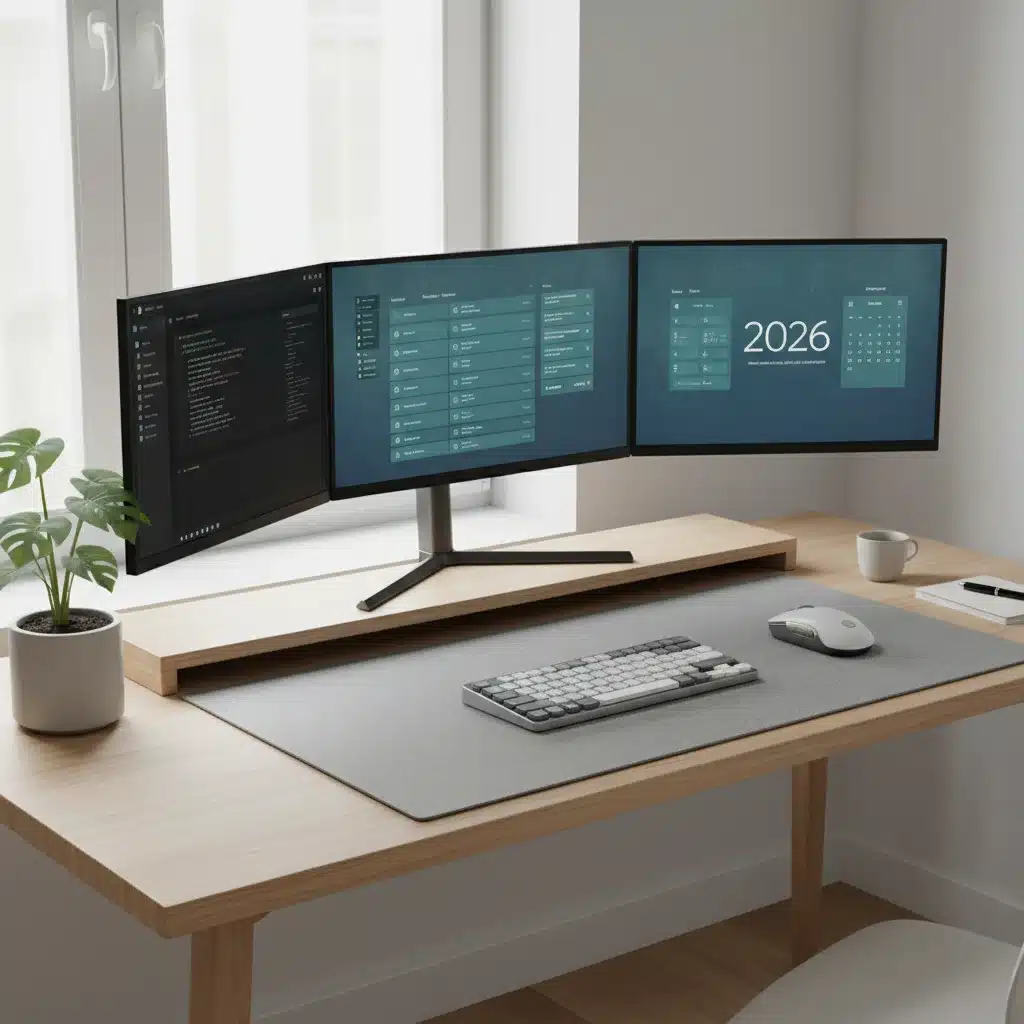
- Desktop Background: A calm, uncluttered background can reduce visual noise.
- Browser Home Page: Set it to a dashboard or a page with frequently used links.
- Keyboard Shortcuts: Learn and utilize shortcuts for your most-used applications. This significantly speeds up navigation and task execution, boosting overall digital workspace efficiency.
Step 4: Master Your Digital Communication – Clear Channels, Clear Mind
Communication is a huge component of our digital lives, and if not managed effectively, it can become a major bottleneck to digital workspace efficiency. This step focuses on structuring your communication to be more effective and less distracting.
Centralize Communication Channels
Reduce the number of platforms you use for communication. If your team uses Slack for internal comms, email for external, and a project management tool for task-specific discussions, stick to those. Avoid ad-hoc messaging apps that fragment conversations.
Set Clear Boundaries and Expectations
- Notification Management: Turn off unnecessary notifications. Batch email checks to specific times of the day rather than responding to every ping immediately.
- Availability: Clearly communicate your availability to colleagues. Use ‘Do Not Disturb’ modes during focused work periods.
- Meeting Hygiene: Ensure meetings have clear agendas and defined outcomes. Utilize digital tools for note-taking and action item tracking.
Adopt Asynchronous Communication Where Possible
Not every communication needs an immediate response. Asynchronous communication (e.g., detailed emails, project updates in a shared document) allows individuals to respond when it best suits their workflow, fostering deeper focus and improving overall digital workspace efficiency for everyone involved.
Step 5: Regular Maintenance and Review – The Path to Sustained Digital Workspace Efficiency
An organized digital workspace isn’t a one-time project; it’s an ongoing process. This final step emphasizes the importance of regular review and maintenance to ensure your systems remain effective and continue to support your digital workspace efficiency goals in 2026 and beyond.
Schedule Weekly Digital Housekeeping
Dedicate 15-30 minutes at the end of each week to:
- Clear your desktop and downloads folder.
- Process your inbox to zero (or as close as possible).
- Review your calendar for the upcoming week.
- Quickly organize any new files or documents.
This small investment of time prevents digital clutter from accumulating and becoming overwhelming.
Conduct Quarterly System Audits
Every quarter, take a deeper dive:
- Review Folder Structures: Are they still serving your needs? Do new projects require new categories?
- Software Audit: Are you still using all your applications? Are there newer, more efficient tools available?
- Automation Review: Are your automated tasks still relevant and running smoothly? Can you automate more?
- Backup Strategy: Confirm your backup solutions are working correctly and your data is secure.
These audits ensure your digital workspace remains optimized for digital workspace efficiency as your needs evolve.
Stay Informed and Adapt
The digital landscape is constantly changing. New tools, techniques, and best practices emerge regularly. Stay informed about trends in digital organization and productivity. Be open to adapting your systems as you discover more efficient ways of working. Continuous learning and adaptation are crucial for maintaining peak digital workspace efficiency.